These are synthetic calibration patterns, not photographs, client projects or a representative benchmark. They isolate smooth gradients, transparent flat artwork and text-like edges. They cannot tell you which format is best for your own images.
How these files were made
Recorded October 30, 2026, using Google Chrome 156.0.8078.80 on macOS, headless.
All images are 640 × 360 pixels. Source SVG drawings were decoded to PNG by this
site’s convertImage function in src/lib/laundry.ts. Each JPG and WebP was then encoded
once from that original PNG, using the same function as the converter UI.
The quality requests sent to canvas.toBlob were Cold 0.60, Warm 0.85, Hot
0.95. These numbers do not match visual quality across formats. No resizing,
post-processing or separate optimisation was applied. JPG flattened alpha onto white;
WebP kept an alpha channel. These outputs use quality-controlled WebP, not a separate
lossless mode.
The previews below show the Warm setting alongside the original. They scale down to fit this page; open or download a file to inspect at 100%. The pale blue preview background makes transparent regions visible. Every supported setting is downloadable in the tables; byte counts are exact, not rounded KB.
Smooth gradient
Look for changes in smooth colour transitions and the soft yellow overlay. This drawing contains no photographic texture or sensor noise.



| Download | Quality request | Bytes |
|---|---|---|
| Original PNG | Not applicable | 257,862 |
| JPG Cold | 0.6 | 4,668 |
| JPG Warm | 0.85 | 7,786 |
| JPG Hot | 0.95 | 18,879 |
| WebP Cold | 0.6 | 2,128 |
| WebP Warm | 0.85 | 2,916 |
| WebP Hot | 0.95 | 6,546 |




Download the exact source SVG drawing.

Flat graphic with alpha
The original and WebP reveal the preview background outside the shapes. JPG replaces that transparency with white; a smaller JPG cannot meet the same transparency requirement.

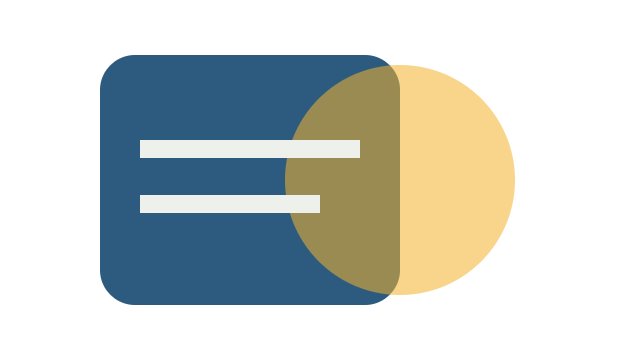

| Download | Quality request | Bytes |
|---|---|---|
| Original PNG | Not applicable | 13,689 |
| JPG Cold | 0.6 | 6,404 |
| JPG Warm | 0.85 | 8,575 |
| JPG Hot | 0.95 | 12,321 |
| WebP Cold | 0.6 | 4,378 |
| WebP Warm | 0.85 | 5,140 |
| WebP Hot | 0.95 | 6,346 |
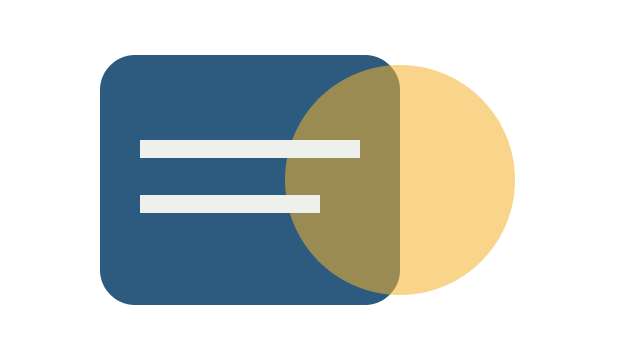
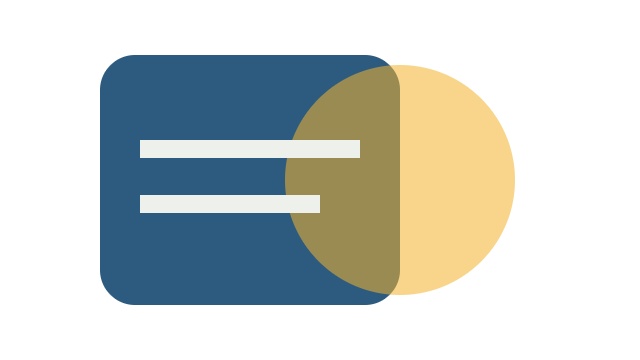
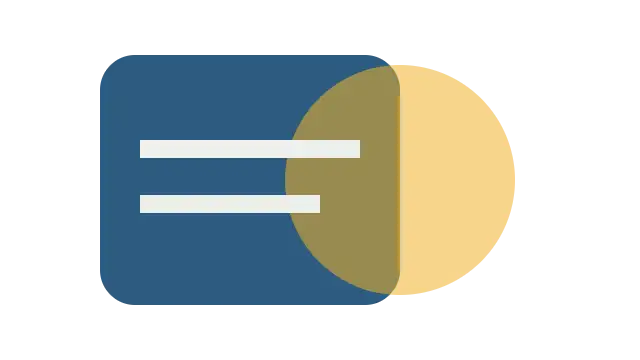

Download the exact source SVG drawing.

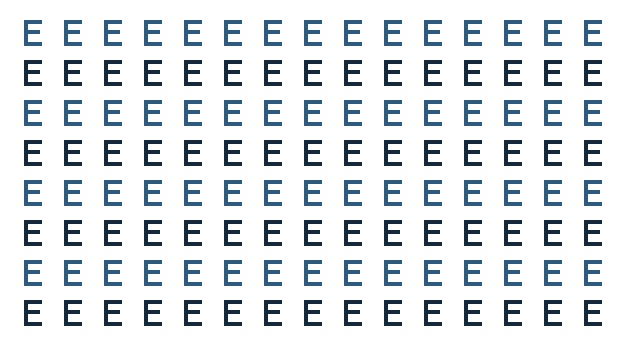
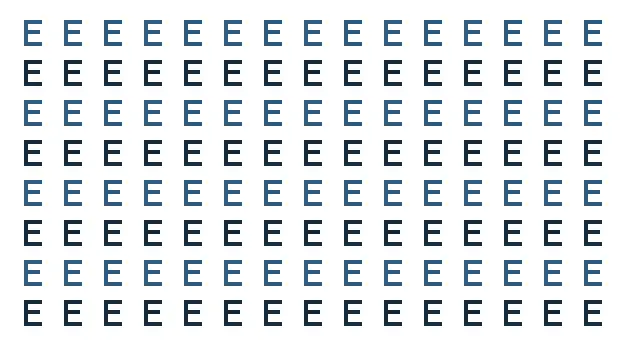
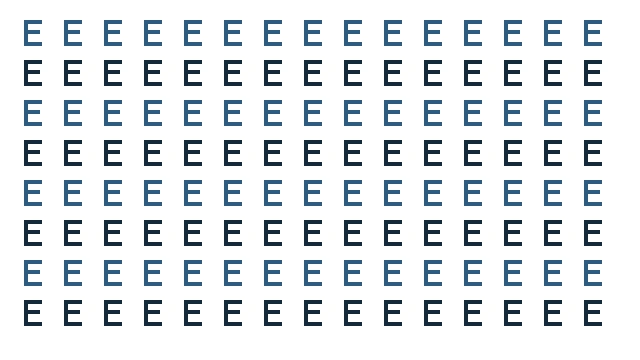
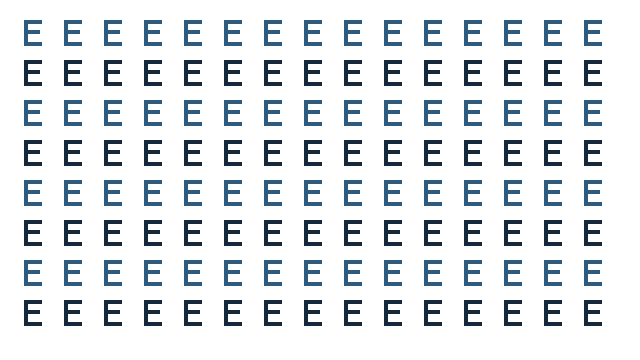
Text-like edges
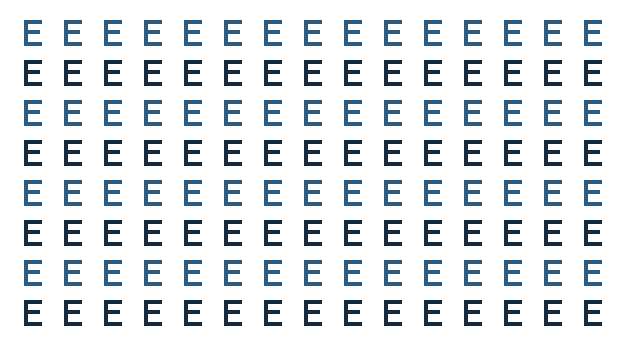
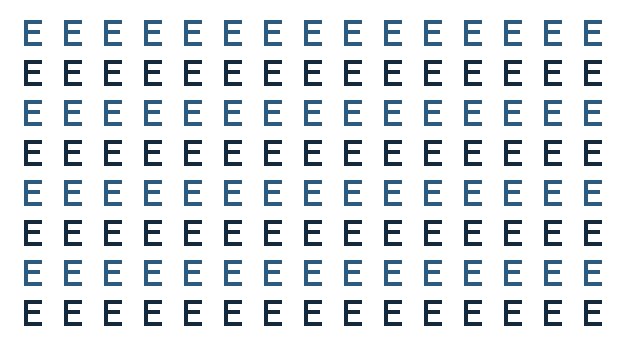
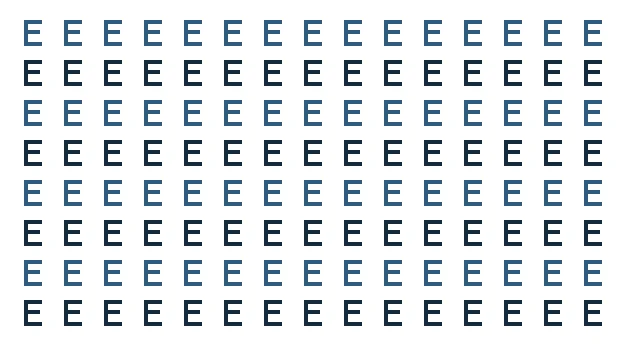
These repeated vector glyph-like shapes are not a font or a real document screenshot. Both Warm outputs are larger than the original PNG, despite using lossy encoding.
| Download | Quality request | Bytes |
|---|---|---|
| Original PNG | Not applicable | 10,479 |
| JPG Cold | 0.6 | 22,450 |
| JPG Warm | 0.85 | 31,205 |
| JPG Hot | 0.95 | 46,180 |
| WebP Cold | 0.6 | 9,096 |
| WebP Warm | 0.85 | 13,982 |
| WebP Hot | 0.95 | 18,912 |
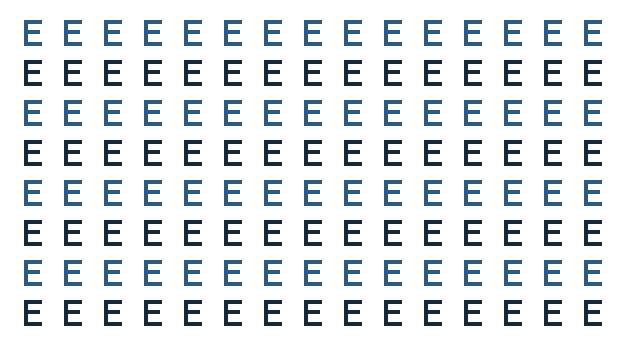
Download the exact source SVG drawing.
Reproduce the comparison
- Download one original PNG above. Keep that same original for every run.
- Open PNG to JPG or PNG to WebP, add the PNG and choose Cold, Warm or Hot. Start the cycle and save the result.
- Repeat from the original for the other settings and format. Do not use a previous JPG or WebP output as the next input.
- Inspect dimensions, file bytes and visual differences. For alpha, view against a coloured background. For detail, compare at 100% as well as the intended display size.
To reconstruct the originals, use SVG to PNG with the supplied SVG drawings. They contain only declared shapes and gradients, no external resources or fonts. Browser rendering differences can change the original pixels and encoded bytes.
The machine-readable manifest records exact byte counts, SHA-256 hashes, dimensions, settings, date, browser version and method. An identical browser build may reproduce these files; it is not a cross-browser byte identity guarantee. Test your own images rather than applying these ratios to photos.
What this check does not establish
No objective image-quality score, matched-quality trial, natural-photo dataset, visual expert review, colour-profile fidelity or speed benchmark was performed. PNG source size reflects this browser’s canvas encoding, not an optimised PNG pipeline. These samples show observable output for three drawings in one environment only.
For the underlying trade-off, read quality settings explained and choosing an image format.